MPC Kit Maker
folders in, kits out
Point it at your samples.
Walk away with MPC kits.
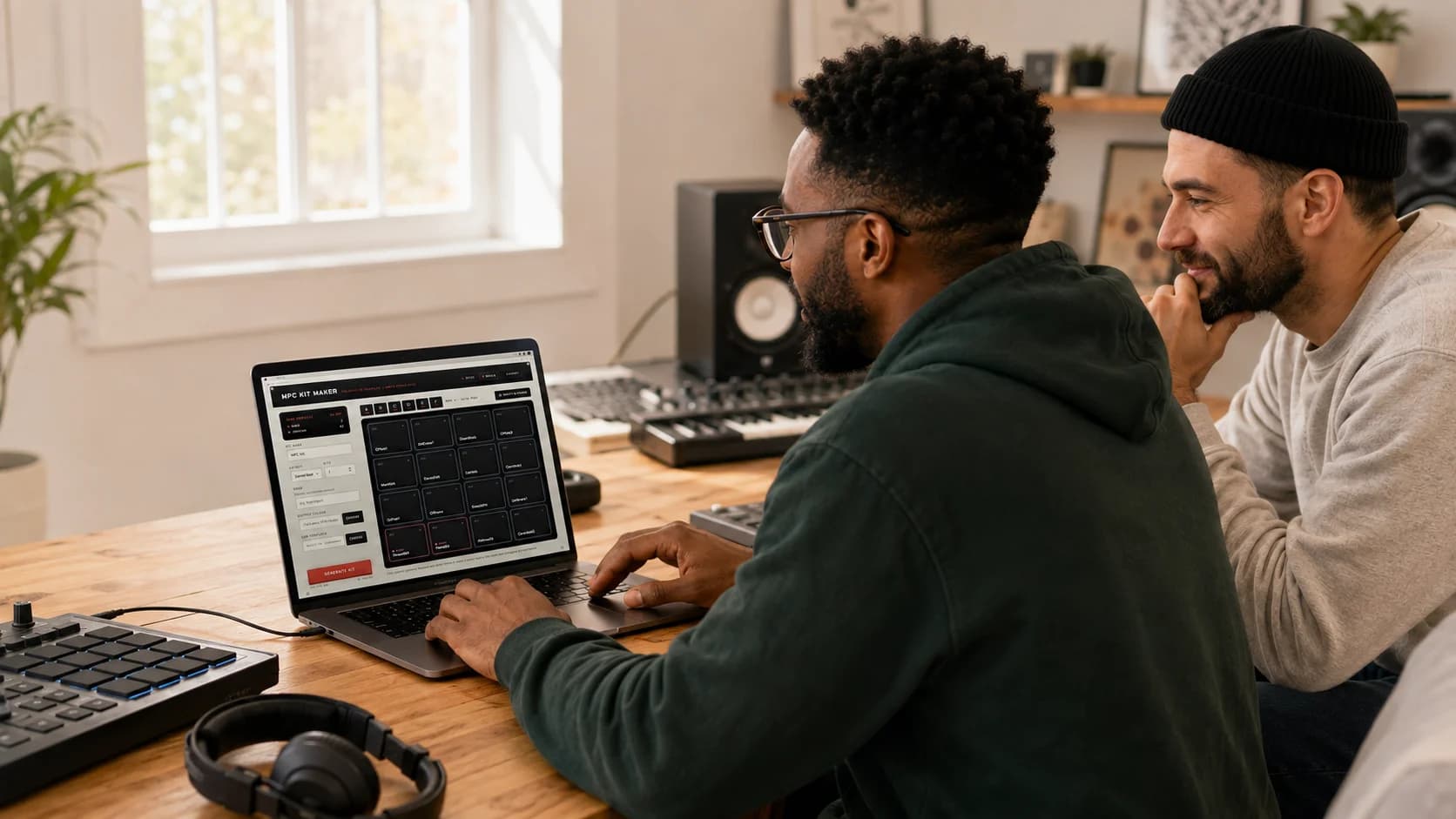
Drop a folder of one-shots on it. It sorts kicks from snares from hats, lays them out on the pads, and writes an .xpm program your MPC loads as-is.
Launch price — regularly $50. One payment, no subscription.
It reads your file names.
So you don't have to.
Twenty categories, from kicks and snares down to shakers, stabs, and vocal chops. Every file is scored, sorted, and tallied while you watch.
Any folder, any mess.
Drag a sample folder onto the window, subfolders and all. WAV, AIFF, and FLAC are found; system junk is ignored.
Kicks, snares, hats — and the rest.
Claps, rims, toms, rides, crashes, percussion, shakers, cowbell, FX, bass, chords, melodic, vocal. Folder names count too, so 003.wav inside Kicks/ still lands on a kick pad.
It never guesses.
Names are matched as whole words, not fragments, so Chord_Stab is a chord — never a closed hat. Anything ambiguous is marked unknown instead of filed wrong.
Soft, med, hard become one pad.
Snare_soft, Snare_med, and Snare_hard stack onto a single pad — up to 8 layers, with even velocity ranges and no gaps from 1 to 127.
Drums on the pads.
Samples fill the rest.
Kicks, snares, hats, and cymbals land where your hands expect them; bass, chords, and vocal chops take the pads that are left. The open hat is choked by the closed one, the way the hardware does it.
Each pad shows
what it's holding.
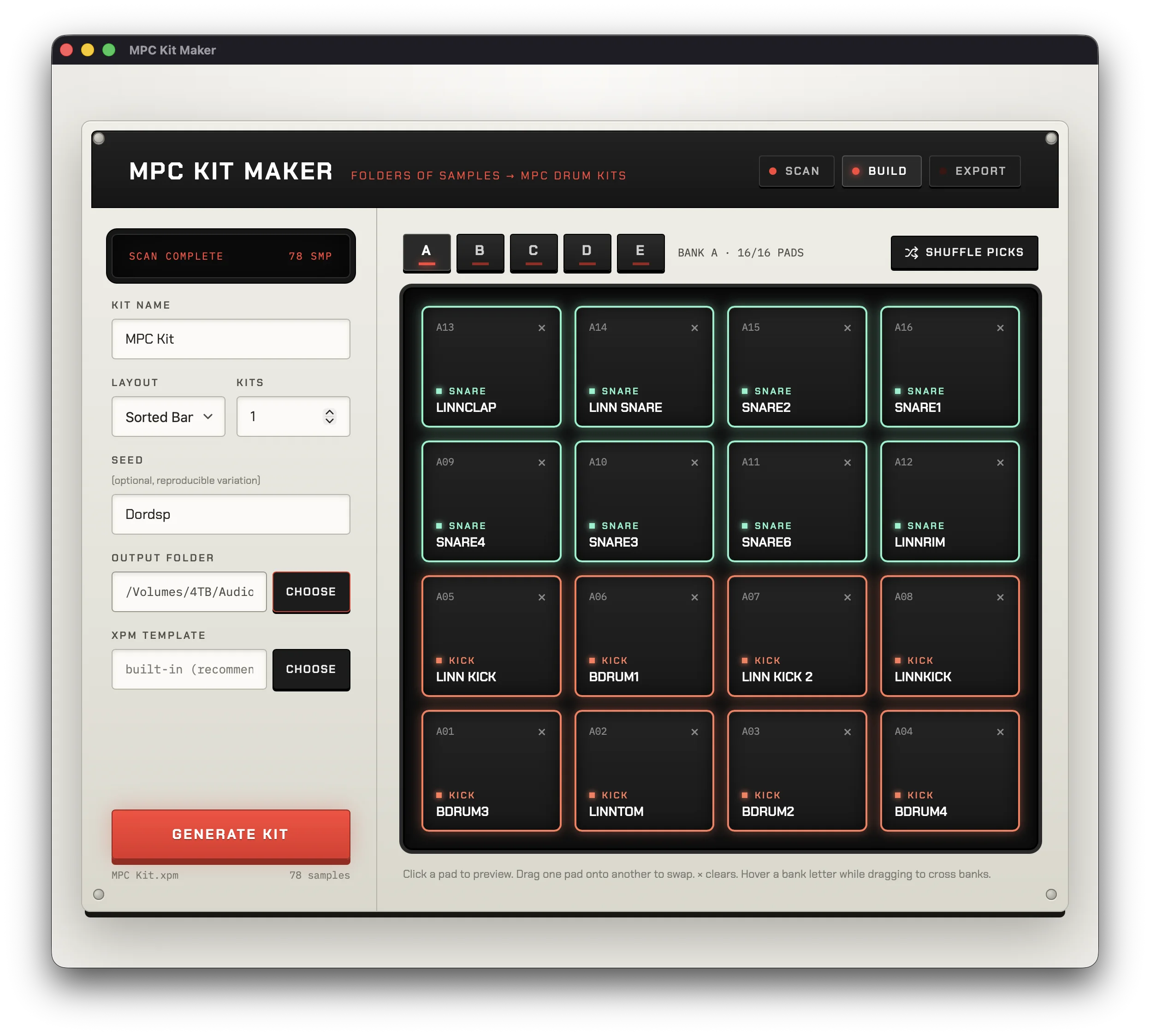
Classified pads carry their category, color-coded, so you can see at a glance where every kick and snare went. Not where you'd put it? Drag it somewhere better.
Audition the kit
before it exists.
The grid is the real kit, drawn like the hardware — pads 13 to 16 on top. Click a pad to hear it. Drag one onto another to swap. × clears. Don't like the picks? Shuffle.
Click any pad and it plays. Audition the whole kit from the grid before a single file is written.
Drag one pad onto another to swap them, onto an empty pad to move. Hover a bank letter mid-drag to cross banks.
One click deals a fresh hand from the same folder. Keep shuffling until the kit feels right, then generate.
Same folder, same word,
same kit. Every time.
Kit building is deterministic, not a dice roll. That makes variation something you can keep: a word you typed last month rebuilds that exact kit today.
Type any word for a different, equally deliberate pick. The same word always rebuilds the same kit.
Build up to 99 kits in one run. Samples are spread across them with minimal reuse until the folder runs dry.
Existing kits are never silently replaced. If My Kit exists, the next one lands in My Kit 002.
Your MPC's own format.
Nothing reinvented.
MPC Kit Maker starts from a real MPC drum program and changes only the pads: sample names, velocity ranges, mute groups. Everything else is preserved exactly as the MPC wrote it.
Speak your machine's dialect.
The built-in template covers most setups. Export a drum program from your own MPC, choose it here, and every kit comes back byte-for-byte native to it.
One folder, ready to load.
The .xpm and every sample it uses are written into a single kit folder, with clean MPC-safe names. Drop it on a USB stick and go.
Hardware and software.
Loads on MPC One, Live, X, and XL, and in the MPC 2 and MPC 3 desktop software. Your library is only ever read, never touched.
One payment.
Yours forever.
A perpetual license. Your download link and license key arrive by email the moment payment goes through — unlock on up to three Macs, no account.
Launch price — regularly $50. One payment, no subscription.
Version 0.1.0, macOS on Apple Silicon. No Windows build yet. Already bought and lost the email? Have it re-sent.
Which MPCs does it work with?
The .xpm drum programs load on MPC One, MPC Live, MPC X, and MPC XL hardware, and in the MPC 2 and MPC 3 desktop software. For guaranteed compatibility with your exact machine, export a drum program from it once and hand that to MPC Kit Maker as the template — every kit then comes back in your MPC's own dialect.
What do I get after paying?
An email with your download link and a license key, sent the moment payment goes through. Open the app, click Unlock in the top bar, and enter that email address and key — once per Mac, on up to three Macs. If the email never shows up, check spam and then write to support@dordsp.com.
Is the launch price permanent?
No — $25 is the launch price; the regular price is $50. Buy at the launch price and it is yours forever: the license is perpetual and updates through the current major version are free.
How does it know a kick from a snare?
It reads the file names. Names are split into whole words and matched against rules for twenty categories, so Chord_Stab.wav is a chord, never a closed hat. Folder names count too, at half weight, which is how 003.wav inside a Kicks folder still lands on a kick pad. Anything genuinely ambiguous is marked unknown rather than filed wrong.
Does it touch my sample library?
No. Your folders are only read. The samples a kit uses are copied into the new kit folder with clean, MPC-safe names; the originals are never moved, renamed, or rewritten.
Which audio formats does it read?
WAV, AIFF, and FLAC, in any folder structure. macOS junk like .DS_Store files is ignored.
What does the Seed field do?
It's a word you type that shapes which samples get picked. The same folder with the same settings always builds the same kit — type any word into the field and you get a different, equally deliberate pick, and that same word will rebuild the exact same kit next month. Shuffle picks does the same thing with a word chosen at random.
What is the XPM template field?
MPC Kit Maker never invents its file format. It starts from a real MPC drum program and swaps only the pad assignments. The built-in template is modeled on MPC 2 exports and works for most people; choosing a program exported from your own MPC makes the output byte-for-byte native to it.
Can I teach it my own naming rules?
Yes. Drop an mpc-kit-maker.config.json in your sample folder to extend the classification rules — say, teach it that “boom” means kick — and the scanner picks them up automatically.
Is there a Windows version?
Not yet. The kit-building engine is platform-neutral and a Windows build is on the roadmap, but today the app is macOS only (macOS 12 or newer).