DMC60 1.1: Tighter Timing, an FX Workspace and Velocity Tools
DMC60 has had two updates in ten days. Version 1.1.0 tightened sequencer timing, gave effects their own workspace and put pattern controls in one panel. Version 1.1.1 followed with velocity tools, a Select tool and a way to free sample memory. Both are out now for Mac and Windows, and both are free for every license holder.
**Notes land in the buffer they belong to** The headline fix in 1.1.0 is timing. Sequenced notes now fire in the audio buffer that contains their tick, so playback no longer shifts with your buffer size. We added timing checks for count-in transitions, tempo changes, pattern wraps and bar cues to keep it that way.
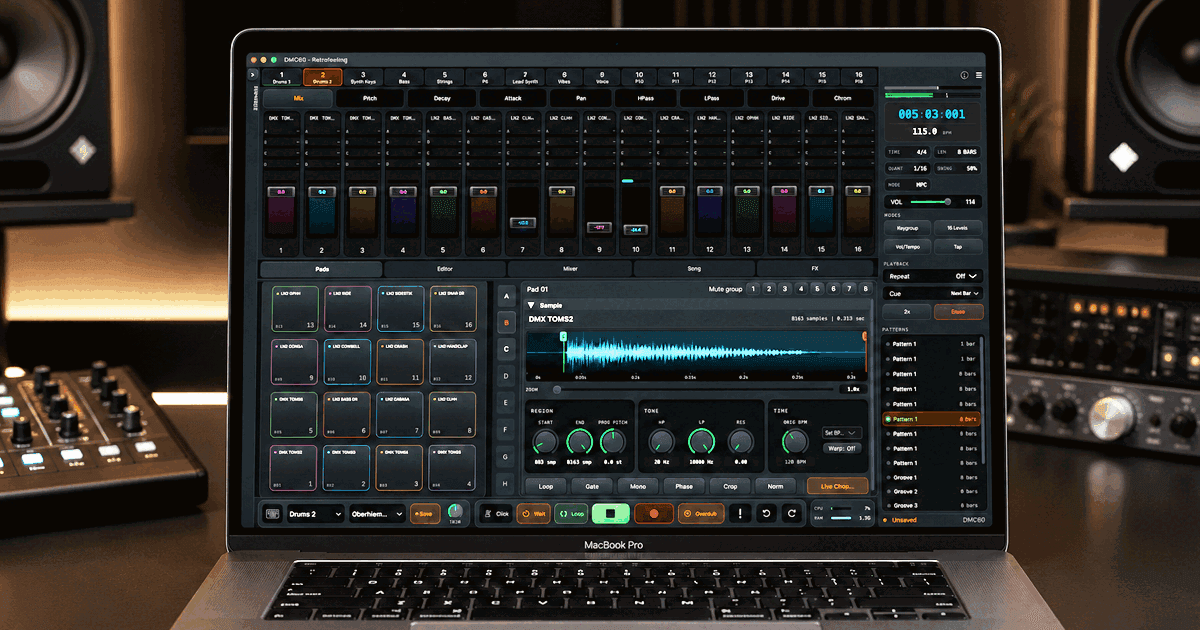
**Patterns in one panel** Quick pattern controls put browsing, cueing, copying, pasting, renaming and doubling in one compact panel. Pattern tiles show which pattern is playing and which one is queued. Doubling a pattern duplicates its notes, and Undo takes it back.
**A workspace for effects** Effects have their own FX workspace in 1.1.0, with bus selection and the effect controls side by side. The effects themselves got a pass too. The compressor responds more reliably to transients, the gate links its stereo detection so the balance holds, the limiter keeps the transients at the very start of playback, and send effects stay in time at short buffer sizes.
Two of those fixes change the sound, so listen when you reopen older projects. The compressor has revised release behavior, and corrected Bitcrush quantization makes low-bit settings coarser than before. The sampler's own 12-bit, 26.04 kHz conversion is unchanged.
**Velocity tools** Version 1.1.1 is about the pattern editor. The velocity lane gains Humanize in subtle, medium and heavy amounts, plus Set All, Ramp Up, Ramp Down and Accent Beats. You can also draw velocities across several notes in one stroke, which is the quick way to shape a hi-hat line.
**Select, fill and clear** A new Select tool lets you drag a box around notes, or click notes to add them to the selection or take them out. Shift-drag still selects when the tool is off. Rows in the step grid can be filled at a chosen interval, from 1/32 notes upward, or emptied with Clear Row. A Clear button on the transport bar removes every note on the selected track in the current pattern, and Undo restores them.
**Drag the envelope** The amp envelope graph is now editable. Drag its points to set attack, decay, sustain and release.
**Purge Samples** File, Purge Samples frees sample memory in two ways: unload programs that are not assigned, or remove pads that no pattern sequences. It lists what will go before you confirm. One thing to know: removing unsequenced pads also empties pads you only play live. Purge is unavailable during playback, recording and export.
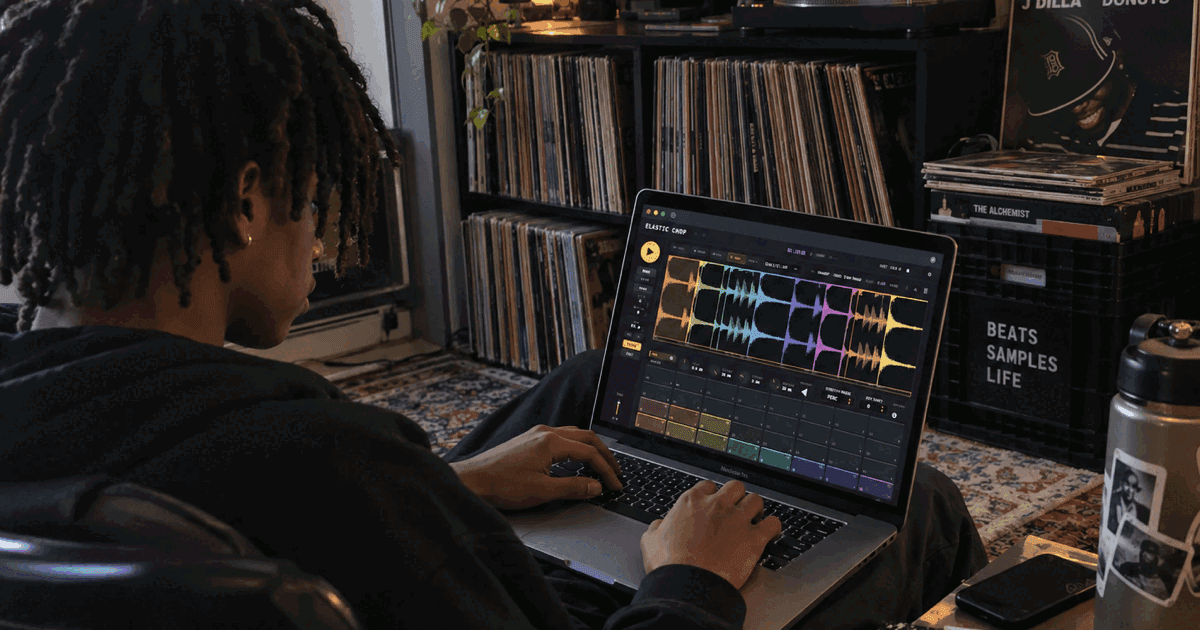
**Better chopping** Chopping got attention in both releases. In 1.1.0, manual marker edits survive when background detection finishes, slice auditioning is more reliable, and a live pad drawer joins the chop panel. In 1.1.1, transient chopping to a set number of slices merges the hits that sit closest together while keeping each attack's true start. The panel reports how many transients it found and tells you when to raise Sensitivity for more. A Clear button removes every chop point.
**Smaller things** Mute groups have their own section at the top of the sample editor. Options, Appearance offers Liquid Glass or Display color styling for tabs, banks and mute groups, and new switches hide the color dot on pads and the color bar on fader strips. Panic, a double-click on Run/Stop and MIDI All Notes Off now also stop a sample that is previewing in the browser. MP3 imports and previews handle padded files and lower-rate MPEG variants correctly.
**Getting the update** Both updates are free. Download the current installer and run it over your existing copy. The full list of changes is on the DMC60 release notes page. If you have not tried DMC60 yet, the 14-day trial is the full app with nothing disabled and no credit card required.