DMC60 1.5: Flexible Insert Effects, Six New Effects and Your Own Plugins
Every track, send bus and the master in DMC60 has six insert slots. Version 1.5 makes those chains much easier to work with, adds six new built-in effects, and lets you load your own plugins into any slot. It is a free update for every license holder.
**Reorder, bypass, replace** Change the order of effects in a chain, bypass one to hear the difference, or replace it with another effect in the same slot without rebuilding the chain. Effect editors can open in their own desktop windows, so you can keep several on screen while the pattern plays.
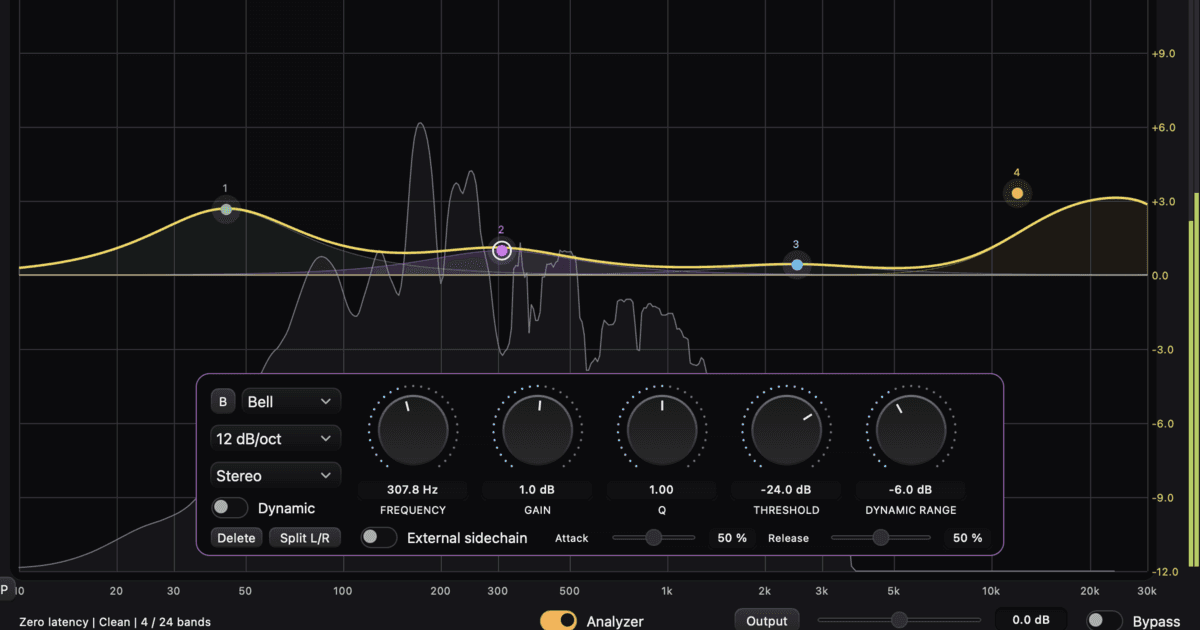
**Six new built-in effects** Captured Reverb, Echo, DorDSP Filter, Analog Delay, Bus Comp and Less Noise join Plate Reverb, Room Reverb, Drive, Bitcrush, Chorus, Phaser, Flanger, Gate and the Limiter, which has been rebuilt for 1.5. Use the reverbs and delays on the eight send buses, and the dynamics on tracks and the master.
**Bring your own plugins** Load VST3 or Audio Unit effects into any insert slot, next to the built-in ones. The Plugin Manager finds the plugins installed on your computer, and each plugin's settings are saved with the project. VST3 hosting works on Mac and Windows, and Audio Units on Mac. Instrument tracks can host VST3 and Audio Unit instruments too.
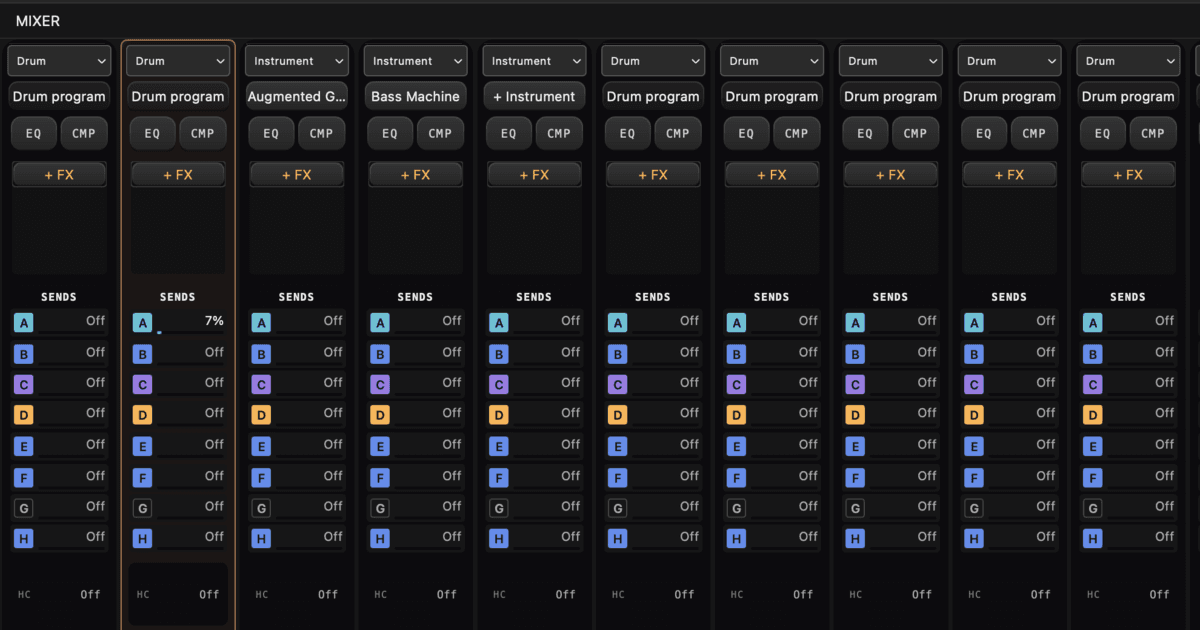
**Sends at a glance** Switch the mixer to Sends to see all eight send levels, A to H, on every channel at once. The mixer and effect windows can also be detached from the main window, which helps on a second screen.
Open the mixer and press + FX on any channel to start a chain.